By
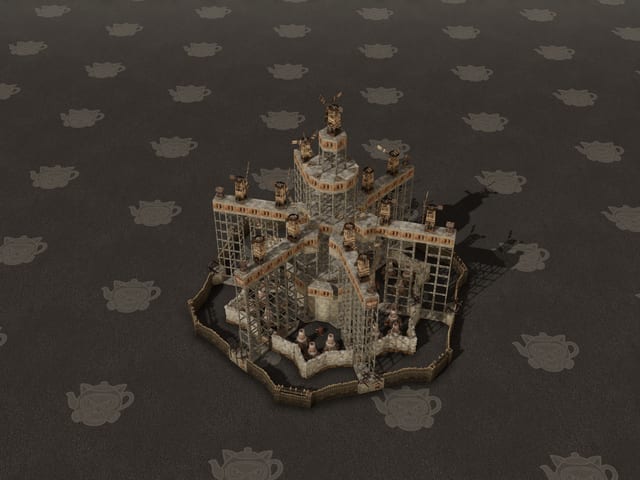
A soaring central tower with broad platforms branching out above the compound.
TEA-UNBROKEN-PHARAOH
A Rust minigame on player-made bases
Their base. Your next challenge.
Pick a base, find your angle and take on waves of armed NPCs. Play your own build or load one another player published. Your next design could become someone else's next game.
Opens Rust on PC via Steam. You choose the game after connecting.
Suggested region: US. Change region
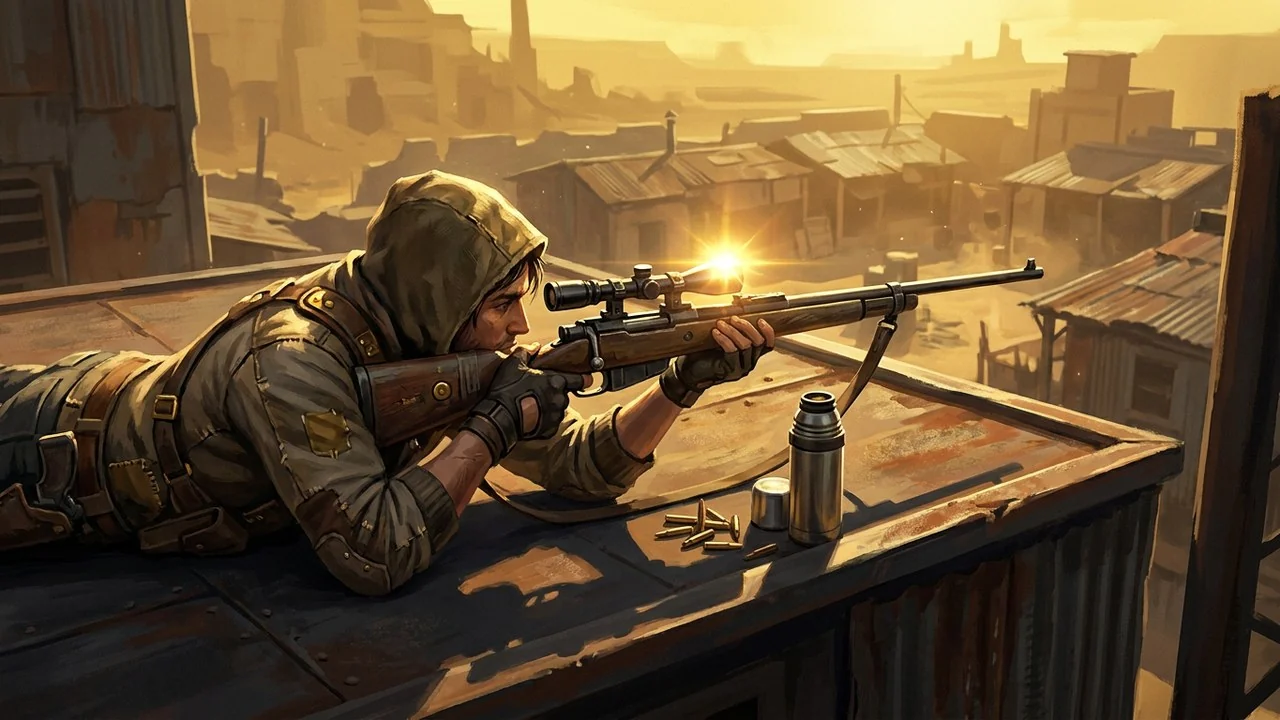
Make the roof your playground.
Your base. Your angles.
Use the height, cover and peeks of a base you built or loaded.
Armed NPCs arrive around your plot and shoot back.
Your on-plot bed or sleeping bag is your respawn point.
Pick a base. Play a round.
Connect, open PLAY and select Roof Camp. If you already have a build on your plot, choose USE MY BASE to play on it.
To try a published base, use /loadbase followed by its TEA code on your own plot. Place a bed or sleeping bag, then open RAID & BATTLE on the base.
Choose Roof Camp and use your base's angles and cover against incoming NPCs. Heal and restock between waves, then see how far you can go.
Roof Camp runs inside Rust on your Creative plot. You need a bed or sleeping bag on the base; Sky Island plots are not supported.
Build → save → share → play
A tower with better peeks. A layout nobody expects. Build it in Rust, then give other players a TEA code to load for Roof Camp.
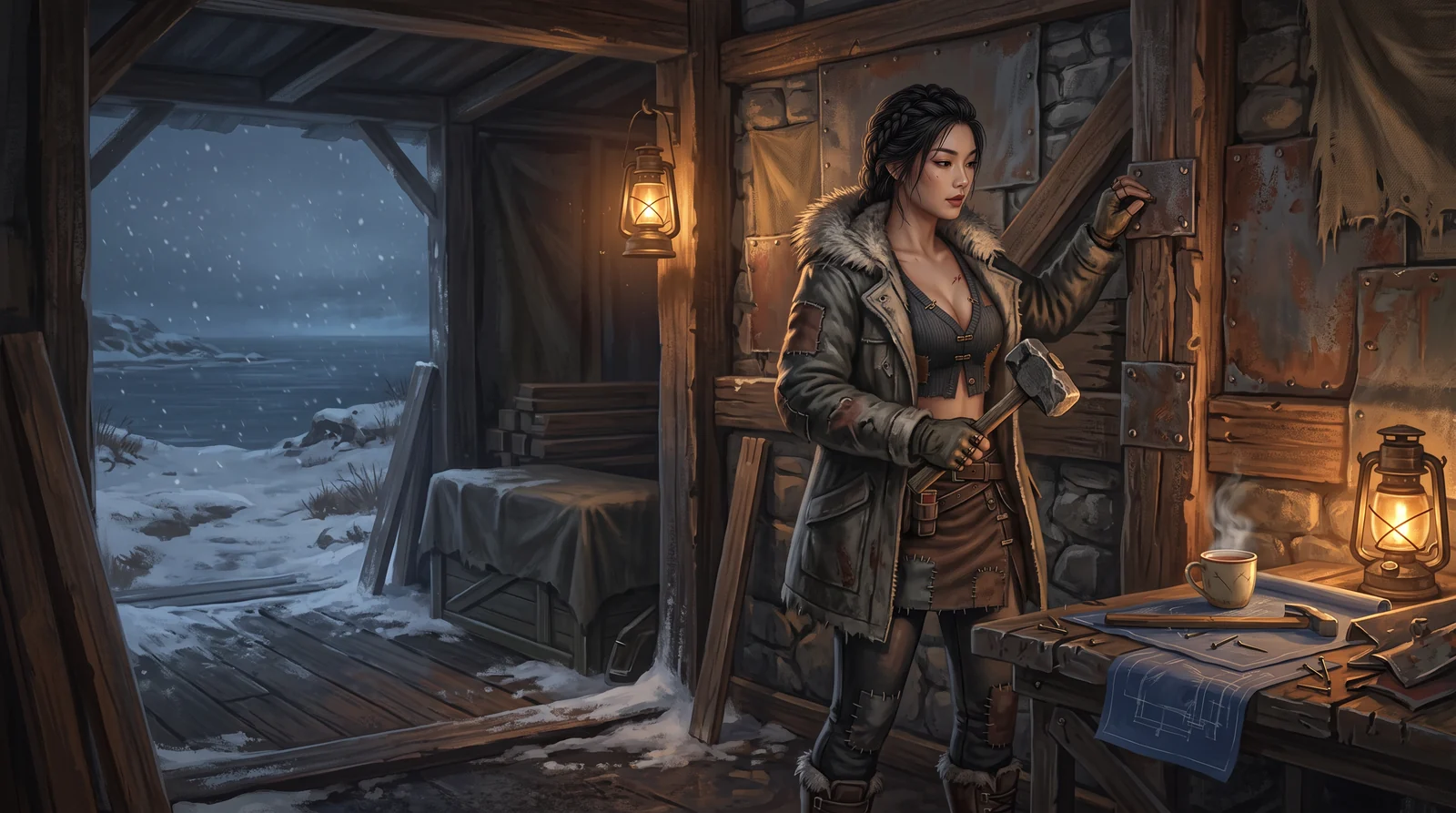
Start fresh or adapt a community design. Give your base useful shooting positions and a way back up.
Place a tool cupboard, save and name the base. Use /save in Rust, then close it in game before changing its publication online.
Open Your bases. Share gives you a link-only TEA code; Publish to catalog submits it for discovery after review. Verify your email if asked.
Players load the TEA code on a suitable plot, place a bed or sleeping bag, then choose Roof Camp and use their base.
Your bases is already your creation library: manage saves, share links and publish from your phone or PC. Building and playing happen in Rust.
Open Your basesGood to know
The basics before you join, in plain English.
Join a TeaTime Creative server and open PLAY, then select Roof Camp. You can use your existing base through USE MY BASE, or open RAID & BATTLE from your base. Play on your own plot with a bed or sleeping bag placed. Sky Island plots are not supported.
Yes. Find a published base in the TeaTime base catalog or use a creator's shared TEA code. In Rust, type /loadbase followed by the code to load it onto your own plot, add a bed or sleeping bag, then open RAID & BATTLE and select Roof Camp.
Yes. On TeaTime Creative, save a named base with a tool cupboard on your own plot. In the base editor, choose SAVE & PUBLISH, follow any email-verification prompt, take a photo and confirm PUBLISH. Share the resulting link or TEA code so others can load and play your base. The current creator tools focus on publishing playable base layouts.
Roof Camp runs in the PC version of Rust on Steam. You can browse and share published bases on the website, then load and play them in Rust on a TeaTime Creative server.
Player-made bases to try
Tall towers. Rooftop platforms. Pick your perch. Start with one of these player-made bases, picked for height and elevated layouts.
By
A soaring central tower with broad platforms branching out above the compound.
By
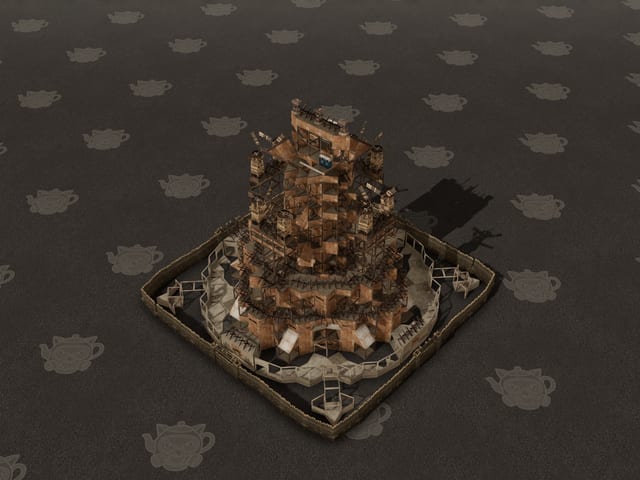
A tall central tower wrapped in a wide halo of elevated ledges.
By
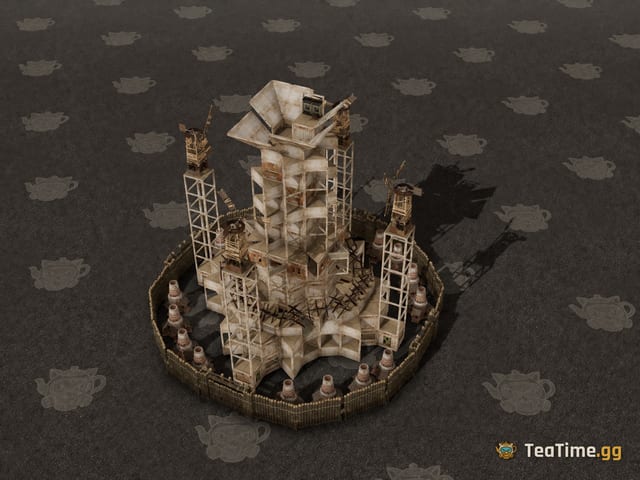
A compact tower with upper balconies. Plenty of height in a smaller footprint.
Found your next base? Load its TEA code onto your Creative plot, make sure there is a bed or sleeping bag, then open RAID & BATTLE and choose Roof Camp.
Catalogue render · a player-made starting point
By
TEA-UNBROKEN-PHARAOH